
 George
Everything in George
Everything that's in it.
One app for the whole of your support work. Every line on this page is in George today, not on a roadmap. $49 a month, first month free.

Pick what you need. It's all in the one place.
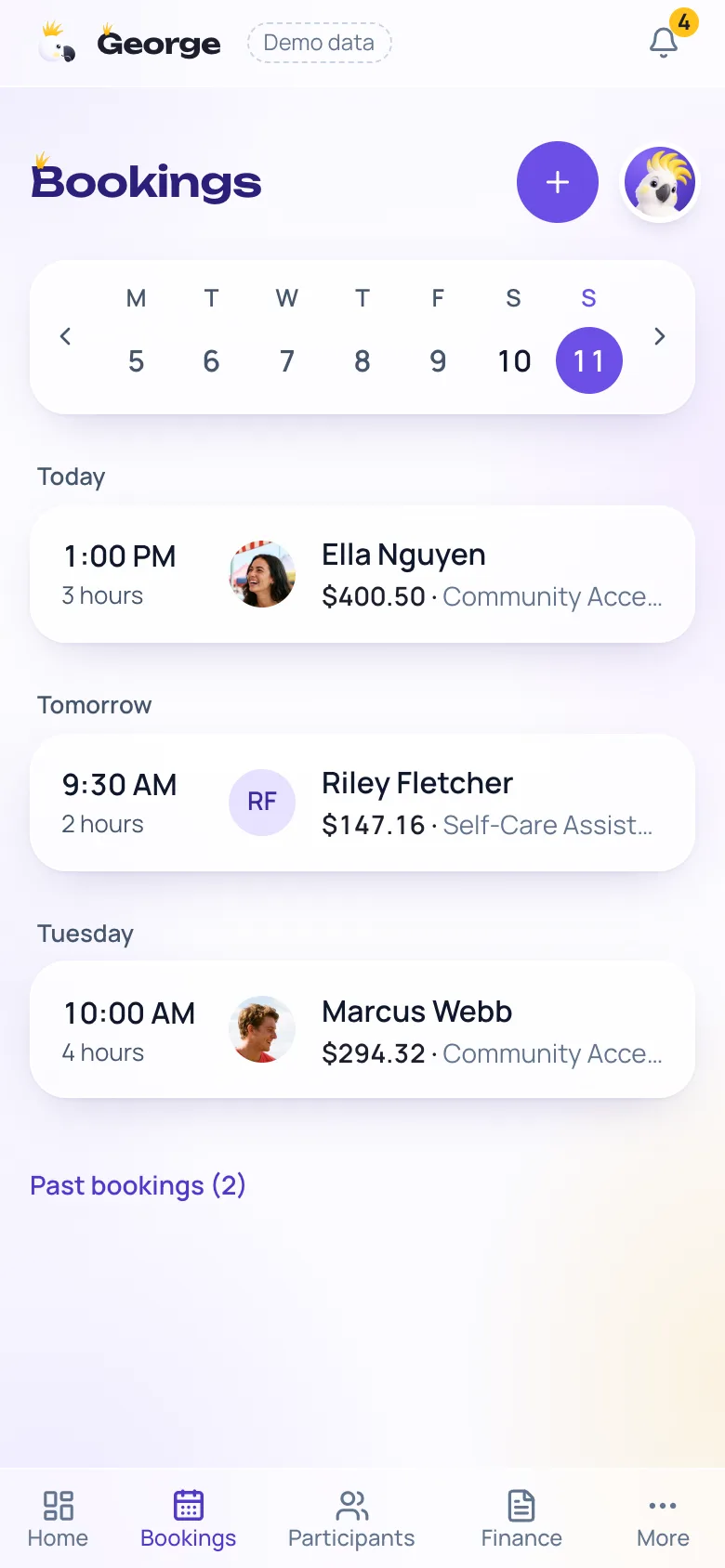
Scheduling
Your week, booked in, with every shift against the person and the service.
Book a shift in seconds
Pick the participant, the service and the time. Set their usual week on the care plan and book it in one go.
Clock in and out
Start and finish the shift from your phone, with the time and place recorded for the record.
Kilometres, tracked
Turn on travel tracking in the phone app and your kilometres are logged through the shift and go on the invoice at the NDIS rate.
Your shifts in your own calendar
Add George's private link to Apple, Google or Outlook calendar and your shifts appear there and stay up to date.
Mark it done
Finish the shift and it's priced straight away at the rate for the day and time you worked.
Invoicing
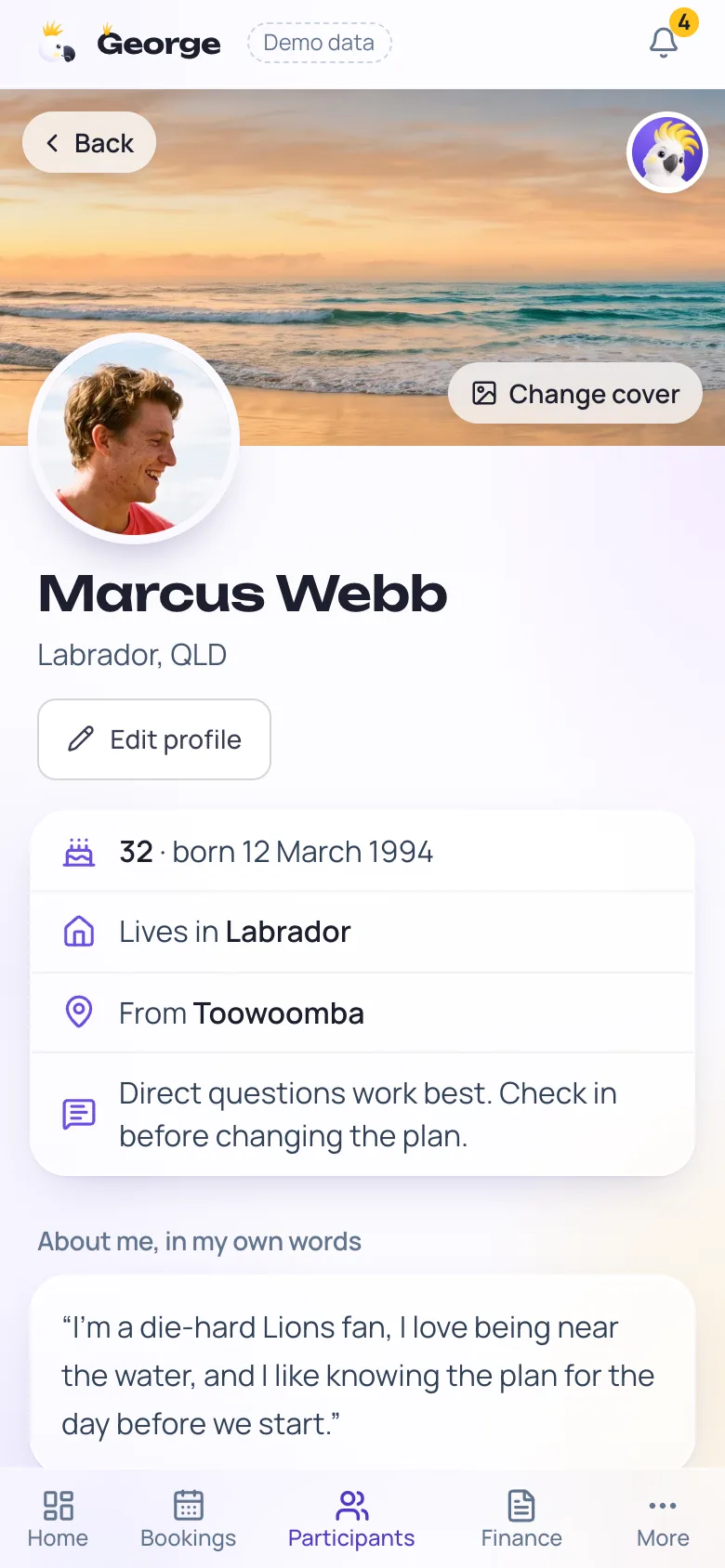
A finished shift becomes an invoice, at the right NDIS rate, checked before it goes.
Built from the shift
Tick the shifts. The item number, the rate, your kilometres and any parking come with them. Nothing retyped.
The right rate, every time
Weekday, evening, night, Saturday, Sunday and public holiday rates, from when you actually worked, off the current NDIS price list.
Checked before it leaves
The common reasons plan managers reject an invoice are checked first, and George won't let one out with a problem on it.
Sent the way they want it
A clear PDF tax invoice, emailed from the app to the plan manager, the participant or whoever pays.
PayID and bank details on every invoice
Your BSB, account number and PayID print on the invoice and the email, so paying you is one tap in their banking app.
Reminders when it runs late
Turn it on and George sends a polite reminder at a week and a firmer one at three weeks, in your name. Then it stops.
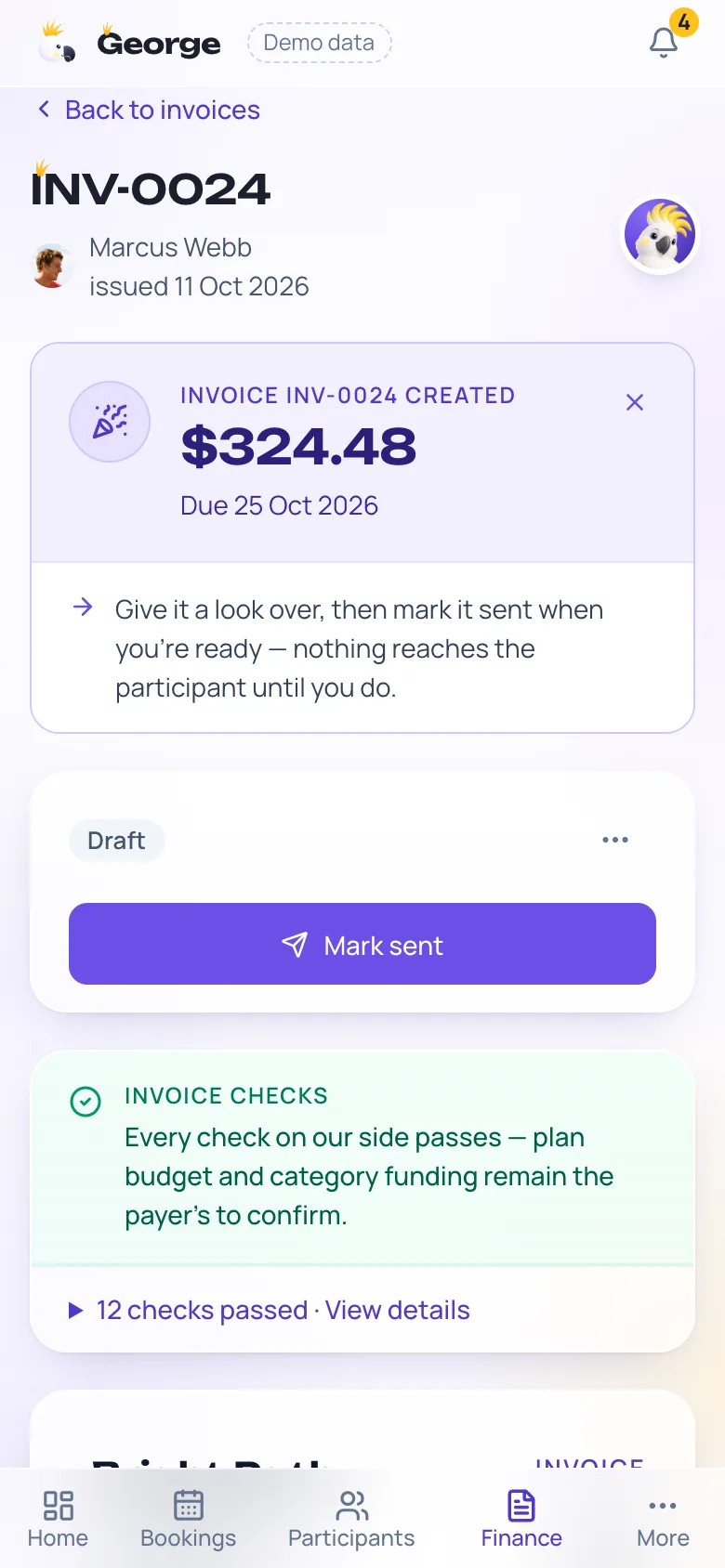
Participants
Everything about the person you support, in one place and in their own words.
A profile in their words
Where they're from, what they love, their places and how they like to be spoken to. You read it before every visit.
Plan details and funding
NDIS number, plan dates, who pays, and the latest balance you've been told, so you know where the funding sits.
Service agreements signed on a phone
Send the agreement, they sign on their phone, and the signed copy sits on their record.
Consent, risk and medication forms
The forms a worker needs, filled in and signed digitally, kept with the participant.
A link for their details
Text a link and the participant or their family fills in the NDIS number, plan and contacts themselves.
Case notes and reporting
Notes done at the end of the shift, and a report ready for the plan review.
A note on every shift
What you worked on, what improved and what's next, with how the session went, in minutes on your phone.
Linked to their goals
Each note can sit against one of the participant's goals, so progress builds up on its own.
Progress report for plan reviews
Pick the dates and George builds a plain-English report from your notes and their goals, with a PDF to hand over.
Corrections kept honest
A note can be corrected, and the original and the correction are both kept, the way the rules expect.
Incidents and complaints logged properly
Registers for incidents, complaints and feedback, with the dates and the follow-up.
An audit pack when it's asked for
Everything behind a participant's claims for a date range, bookings, notes, invoices, agreements and documents, in one PDF.
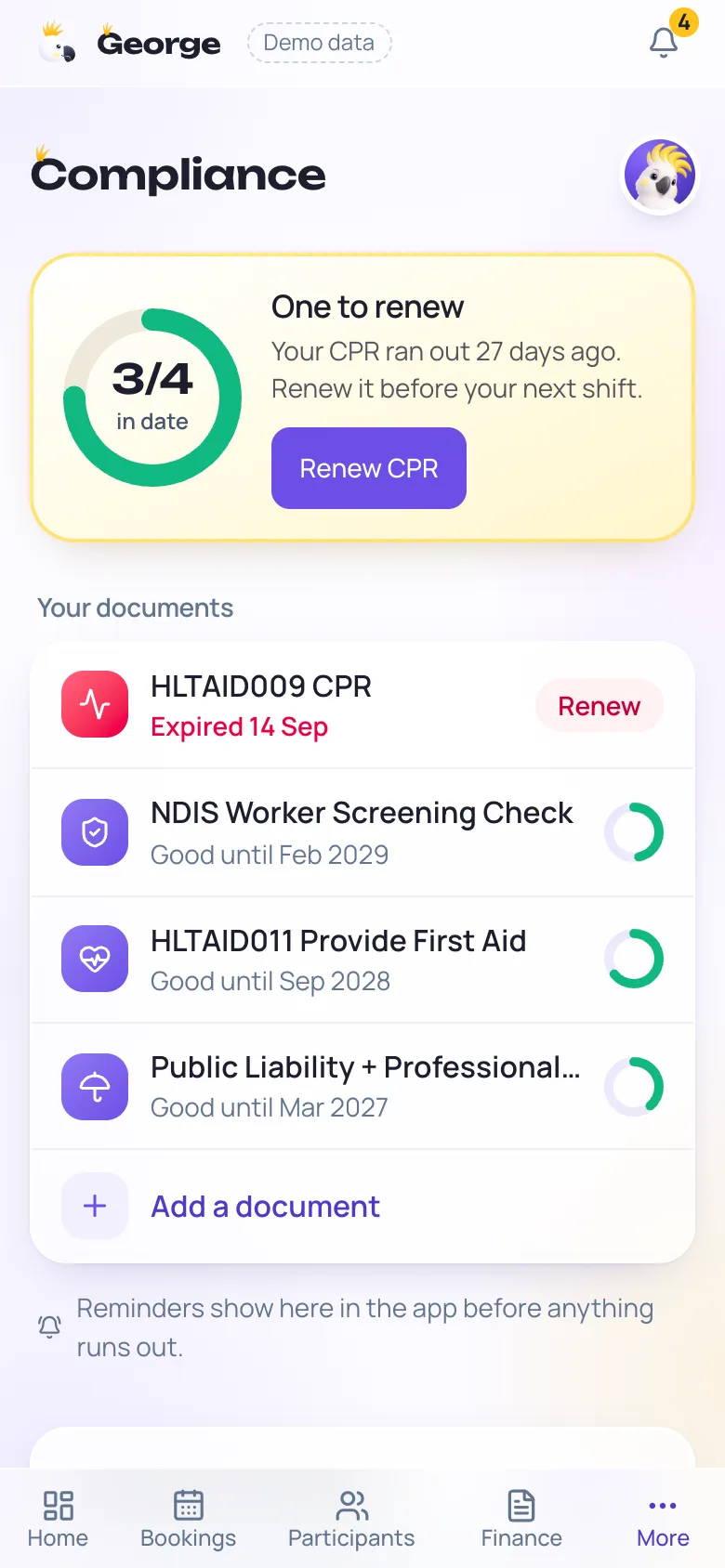
Compliance and documents
Know before anything lapses, and have the paperwork ready if registration is on your list.
Your documents with a countdown
Screening check, first aid, CPR, insurance and the rest, each with its own expiry, and a warning before it runs out.
A policy library
The policies a registered provider needs, written for a sole trader, adopted and kept in date in the app.
Registration readiness
A check of what you have and what's missing against the registration requirements, and an evidence pack export.
Finances
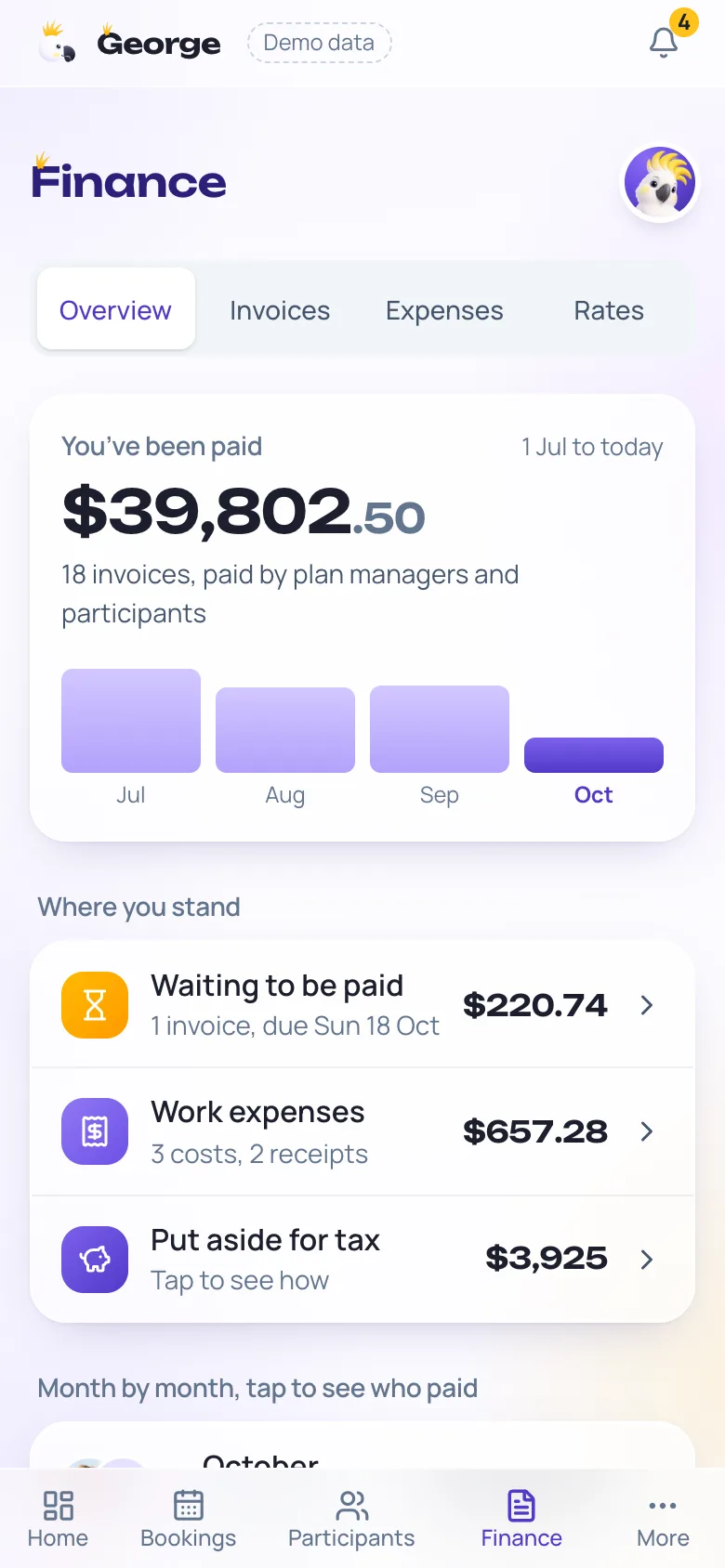
Receipts, the costs of a shift and the tax you'll owe, kept as you go instead of pieced together in July.
Snap a receipt
Take a photo and George reads the shop, the date, the total and any GST. You check it and save, and the photo is kept with it.
Costs on a shift
Parking goes on the participant's next invoice. Their lunch shows as owed until they pay you back.
What to put aside
Who's paid you, what's still to come in, and what to set aside for tax, month by month.
Travel at the ATO rate
Your work kilometres and what they're worth at the ATO's cents per kilometre, ready for tax time.
An export your accountant can use
Your invoices, expenses and travel as spreadsheets or a PDF summary, in the format Xero, MYOB and QuickBooks each expect.
The family door
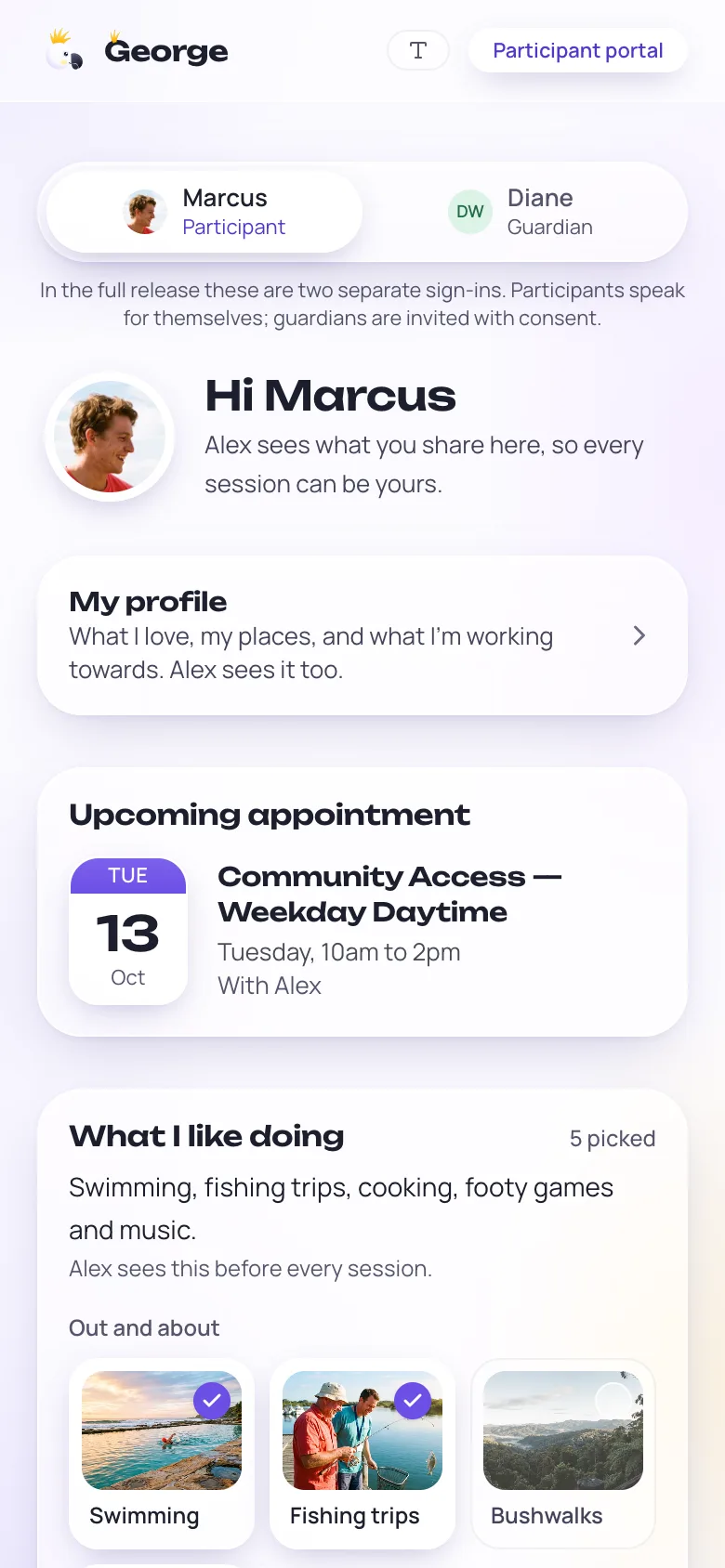
A participant's family can be invited to their page. You choose who, and it's part of the subscription.
What's coming up
The shifts booked for their person, without your other participants or your business details.
One tap to OK extra time
When a shift runs over, the family can approve the extra time from their phone, and it's recorded.
Add to the profile
Family can add to the participant's own-words profile, so the support fits the person.
Connects to what you already use
George fits around your books and your calendar instead of replacing them.
Xero, both ways
Connect your own Xero once. Each sent invoice is copied in by itself, and when Xero shows it paid, George marks it paid too.
Your calendar app
Apple, Google or Outlook calendar, one tap to add your shifts.
Your own data, any time
Download everything George holds for you, as a file or spreadsheets. It's yours.
Try it before you decide.
The demo is the real app on practice data, no sign-up. Or start your free month and put your own week in.